On this page:
Gaining Access to SELMA
A unique login URL will be provided for each education provider set up in SELMA. For ease of access and everyday use, it’s recommended that you bookmark this URL (save to Favourites on your browser).
If unsure, please request a Registrar user at your institution to provide the SELMA login URL.
Before accessing SELMA for the first time, you must be added as a system user (this will usually be set-up by a Registrar or Administrator).
Settings -> Users
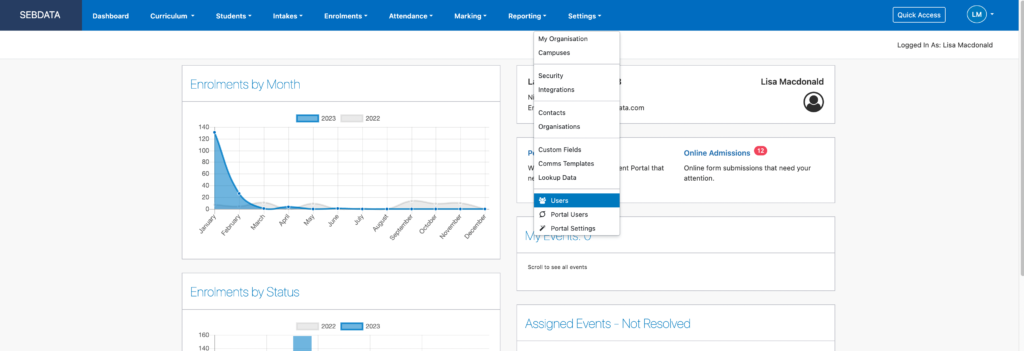
Once this process is completed you will receive an email from SELMA with instructions to set-up a password.
Login Options
SELMA offers three secure login methods:
- Username and Password with 2FA: Includes Two-Factor Authentication to enhance security.
- Google Single Sign-On (SSO): Configured by the SELMA support team.
- Microsoft Single Sign-On (SSO): Configured by the SELMA support team.
You only need to select and remember one of these options to access your account. Select one of the three available methods during your first login and continue using it consistently for all future access – in some cases the IT department from your organisation will define the login method for you.
For enhanced security, Two-Factor Authentication (2FA) or Multi-Factor Authentication (MFA) is mandatory for all login methods.
This is what the SELMA login screen looks like:
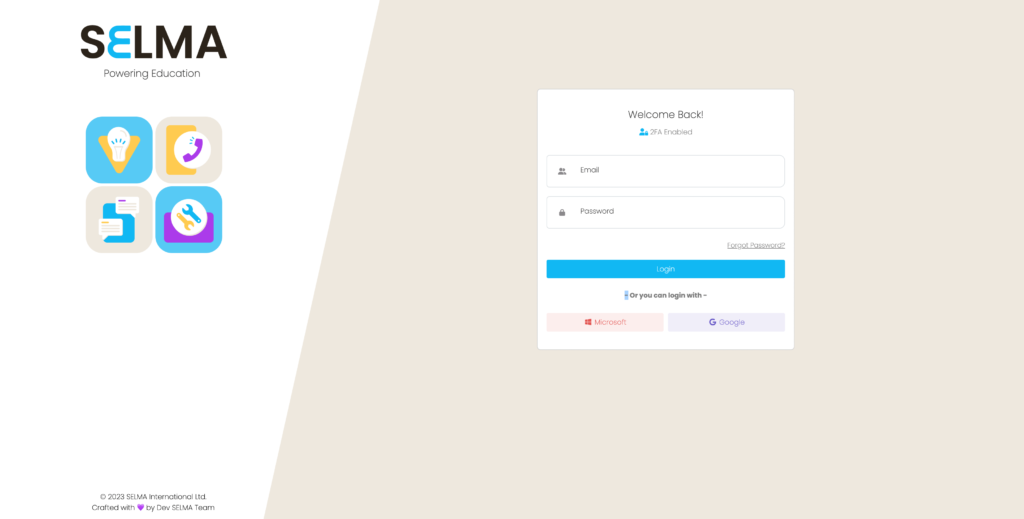
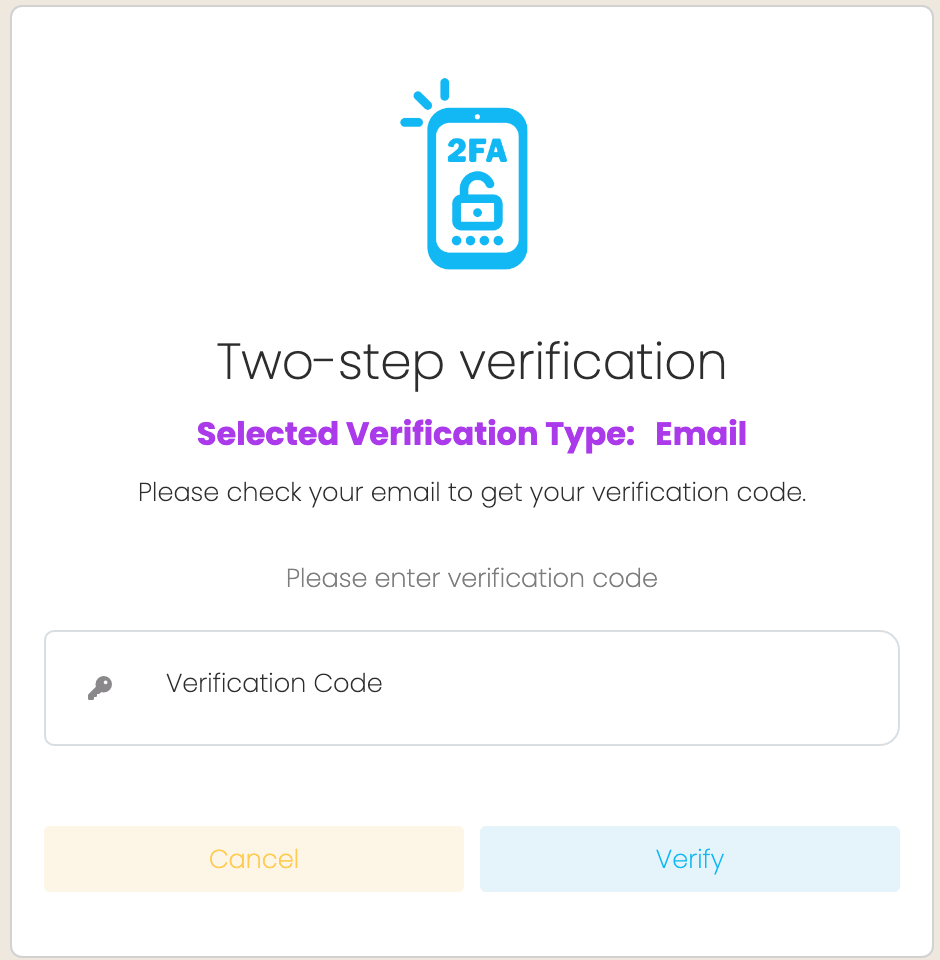
If you have logged in with a username and password you will be directed to the Two-step verification screen. A unique code will be emailed to you or you can use an authenticator app.
Password Recovery
If you have forgotten your password, don’t worry – we’re here to help you regain access to your account quickly and securely. The password recovery process is straightforward and takes just a few minutes to complete. Follow the simple steps below to reset your password and regain access to SELMA.
- Click on ‘Forgot password?’ and enter your email address.
- Click on ‘Send Link’.
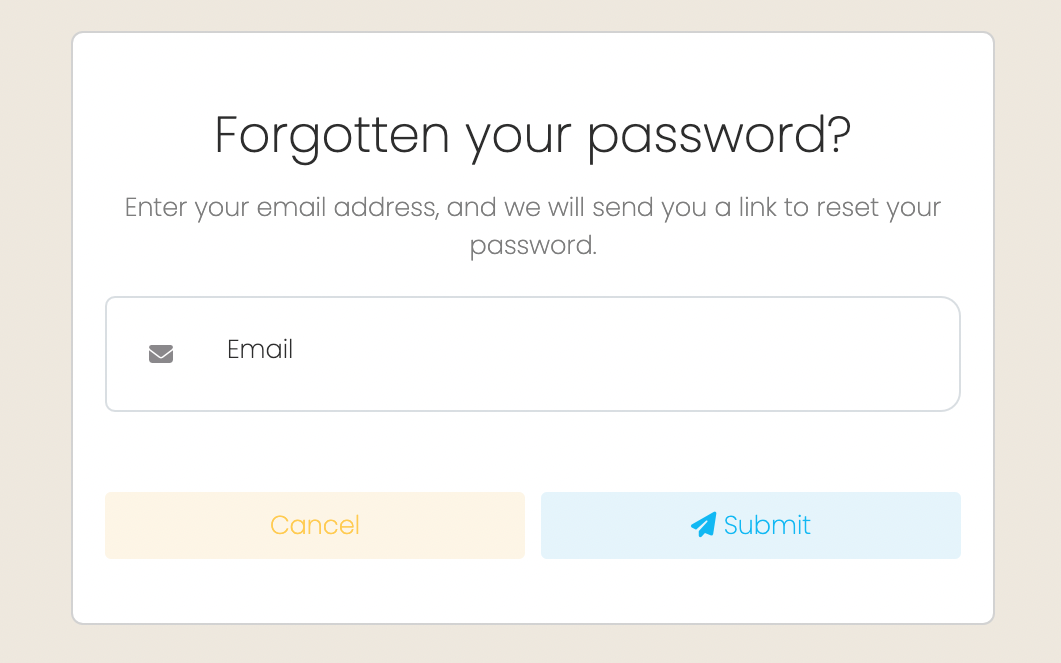
- You will be redirected to the login page.
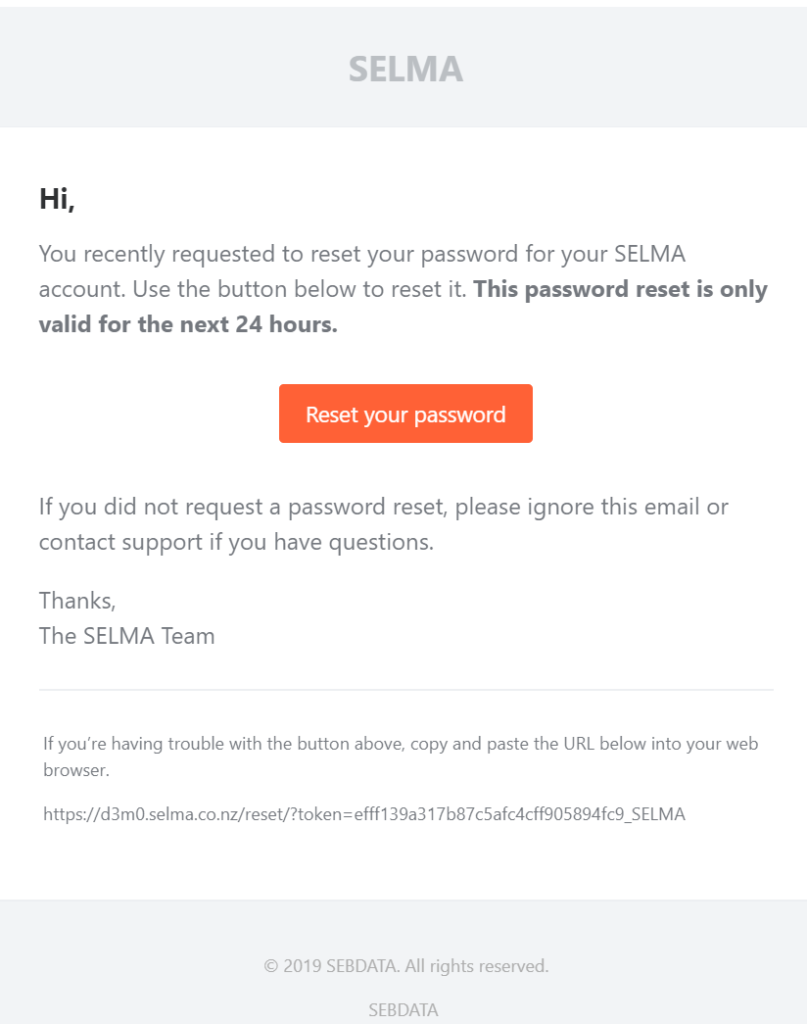
- You will have received an email with a password reset link. Check your email inbox and if the message does not arrive within a few minutes, remember to check your spam folder.

- Click on ‘Reset your password’ and follow the steps to write a new password.
- You will need to enter your new password twice to validate it before you can successfully click ‘OK’. After this, you will be redirected back to the login screen.
- On the login screen, enter your username and new password and follow the steps to log in normally using Two-Factor Authentication (2FA).
Security Recommendations
To ensure optimal security when using SELMA, adhere to the following best practices:
Enable MFA for Third-Party Logins
If using third-party authentication like Google or Microsoft, ensure that Multi-Factor Authentication is also enabled on the third-party accounts for additional protection.
Role-Based Access Control
Clearly define roles and assign permissions based on users’ responsibilities. Avoid granting excessive access privileges. For detailed instructions, refer to the Roles and Permissions section in this manual.
Do Not Share Credentials
Keep your login details private. Sharing credentials compromises the system’s security and accountability.
Recommended Browser
Use Google Chrome for the best compatibility and performance when accessing SELMA.
Regular Password Updates
For username-password logins, update passwords periodically and avoid reusing old passwords.
Monitor Login Activity
Regularly review the last login timestamp, IP addresses, and geographic locations associated with staff logins. Pay close attention to logins from unexpected or unauthorised countries or IP ranges, as these may indicate suspicious activity.
Revoke Access for Departed Staff
Immediately deactivate the accounts of staff members who leave your organisation using the System User section. This ensures they can no longer access the system and reduces the risk of unauthorised login attempts.
For further instructions on how to maintain and remove users, please go to 6 – SELMA Security Tips.
Logging Out
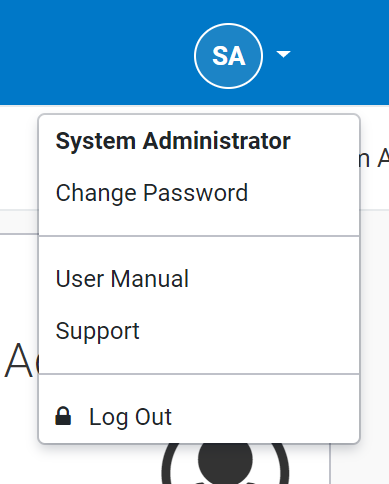
- To log out of SELMA please click on ‘Your Initials’ at the top right of the page and select Log Out.